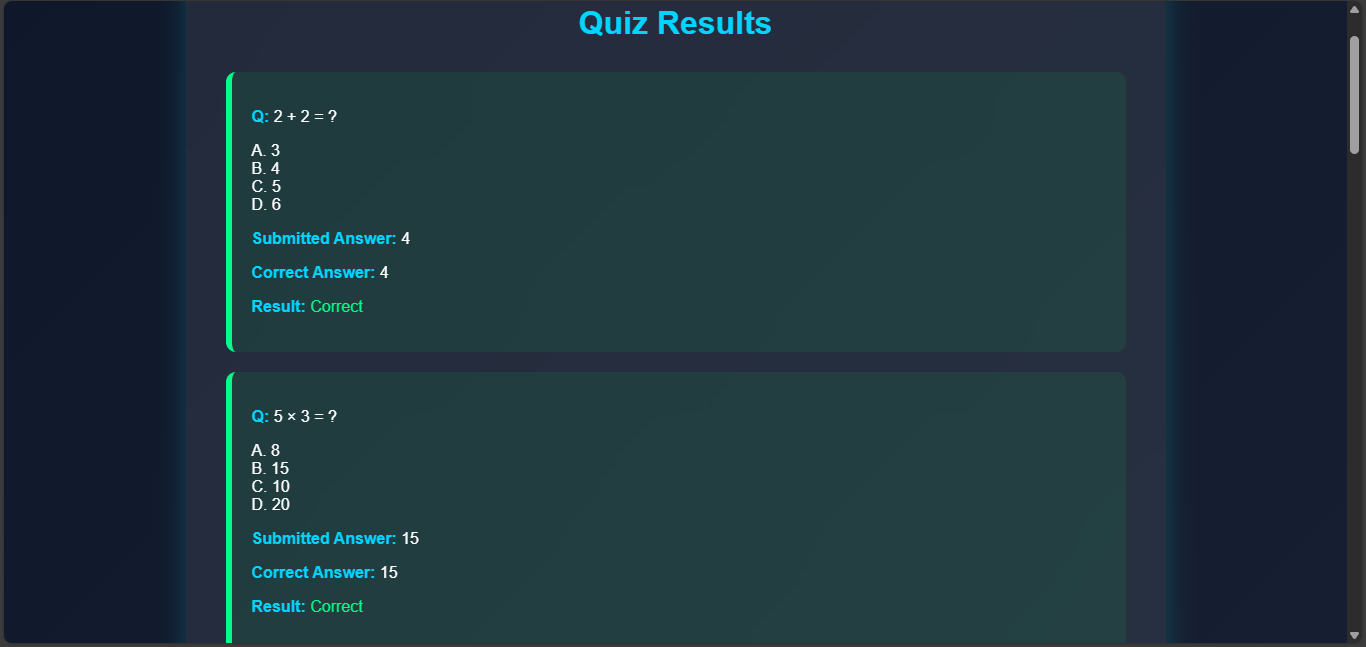
Home Page
This is the main selection page where users need to choose whether they are a student or an admin. It serves as the entry point of the system, helping to navigate users to the correct login or dashboard area. The interface is designed to make the selection simple and user-friendly. Once the user selects a role, they are redirected to the respective login page. This separation ensures different functionalities for students and administrators.
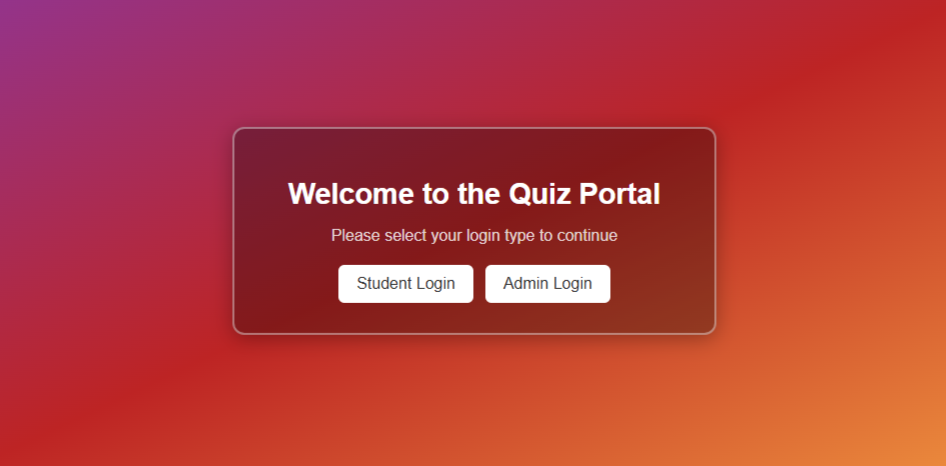
Admin Page
Admin Login
This is the admin login page, where authorized administrators can securely log in using their credentials. It validates the entered email and password from the database using JSP and Servlet. Proper authentication ensures that only admins can access sensitive data and features. In case of invalid credentials, appropriate error messages are displayed. Once verified, the admin is redirected to their dashboard for further operations.
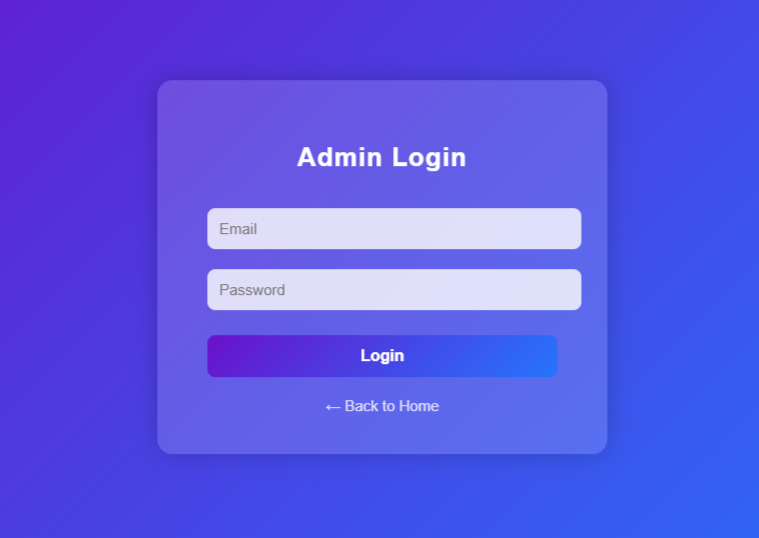
Admin Dashboard
The admin dashboard acts as the main control center for the administrator. From here, the admin can add new students, delete existing ones, check results, or create new quizzes. It uses AJAX for smooth page transitions and updates without reloading. Each function is connected to a servlet that performs the corresponding database operations. This dashboard provides complete control over managing the quiz and student records.
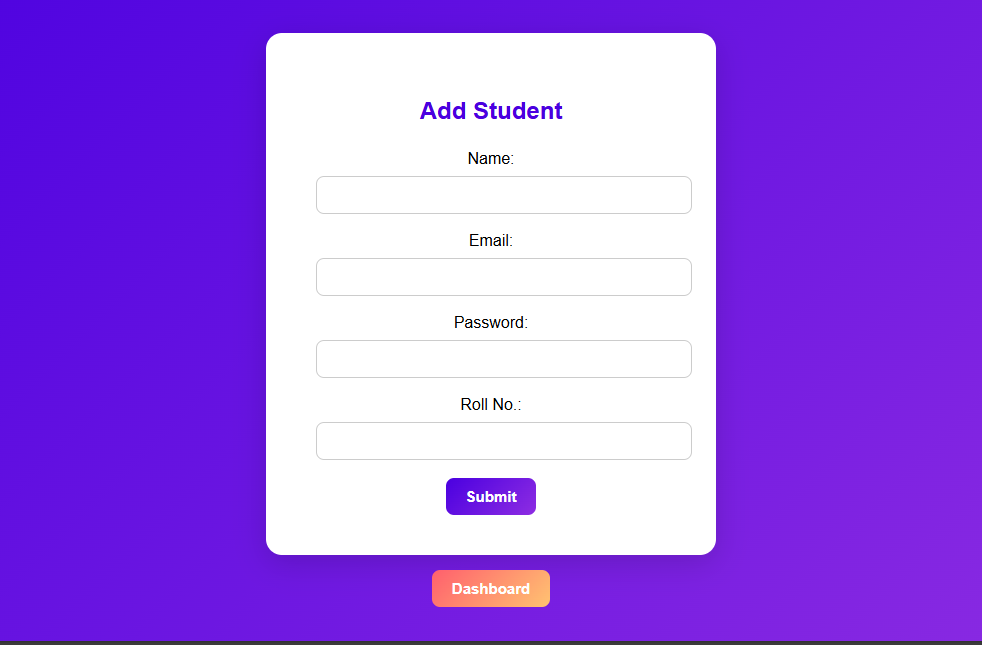
Add New Student
This page allows the admin to add new student details into the database. The input form collects basic information like name, email, and password. Once submitted, data is sent to a Servlet that performs database insertion using MySQL. Validation ensures that duplicate or empty entries are avoided. The added students can later log in and participate in quizzes.
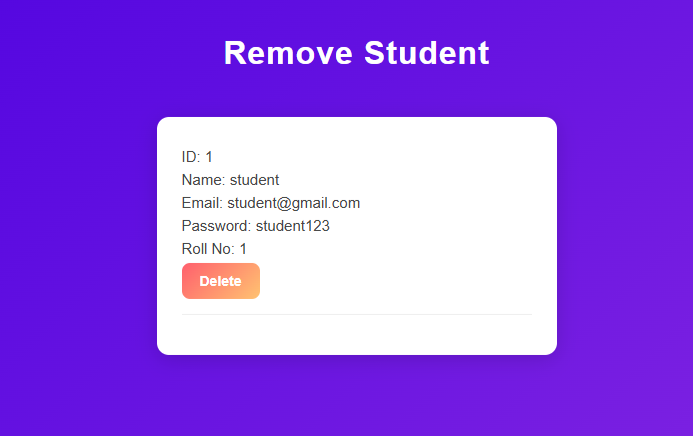
Delete Student
This page displays the complete list of registered students from the database. The admin can view student information in a structured table format. It also includes an option to delete any student record when necessary. The delete action triggers a Servlet request that updates the database in real-time. This helps maintain an up-to-date and accurate list of active students.
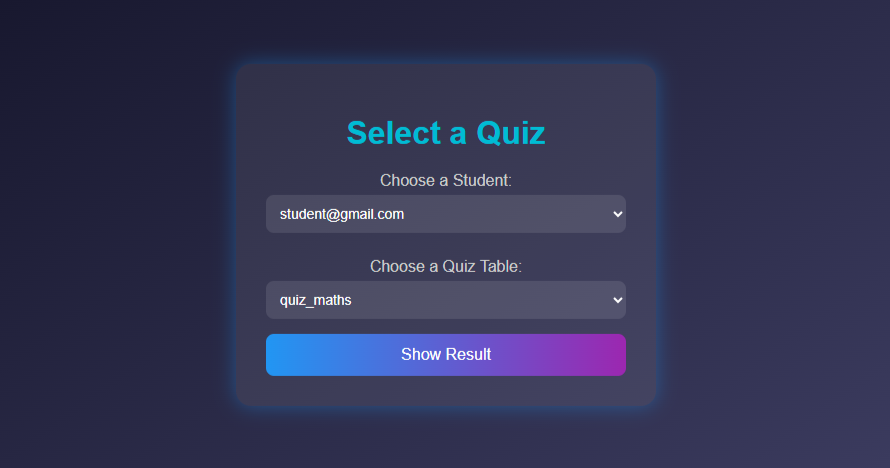
Select Student/Subject for Results
On the Check Result page, the admin can view quiz results for specific students. A dropdown menu allows selection of student email and quiz subject. After selection, the system fetches the corresponding result from the database. This page uses AJAX to dynamically display data without reloading. It provides an efficient way for admins to monitor student performance.
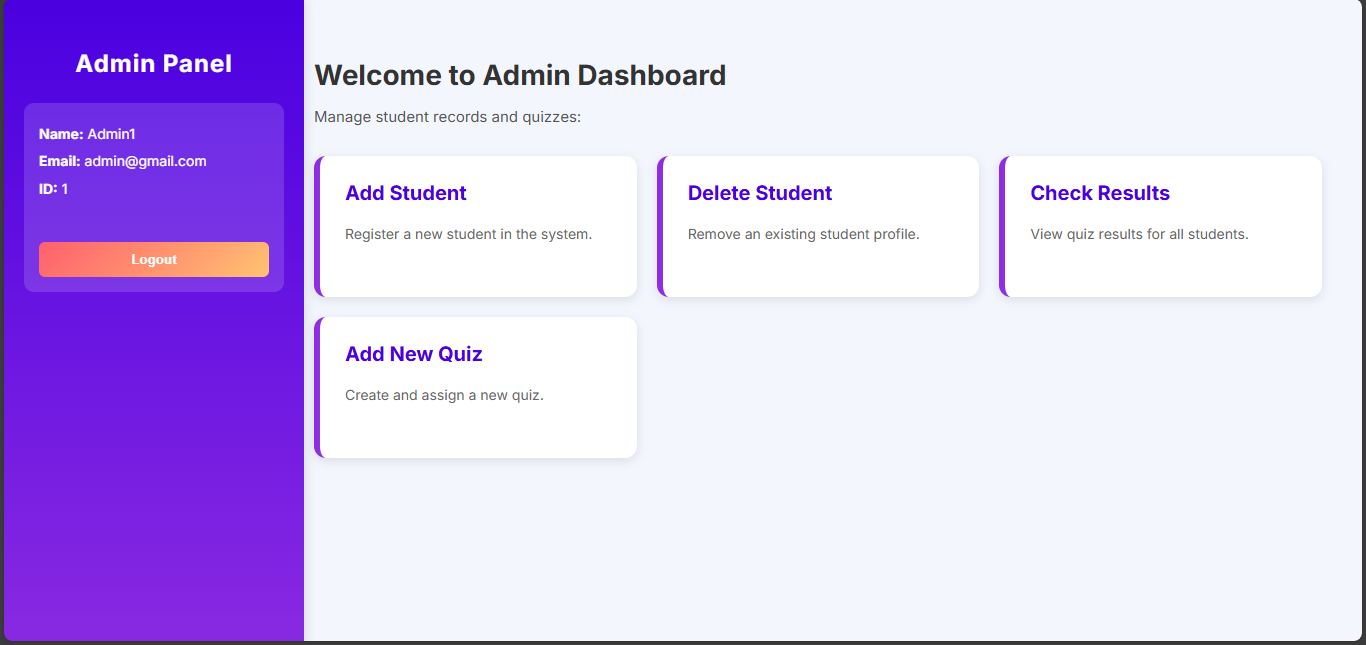
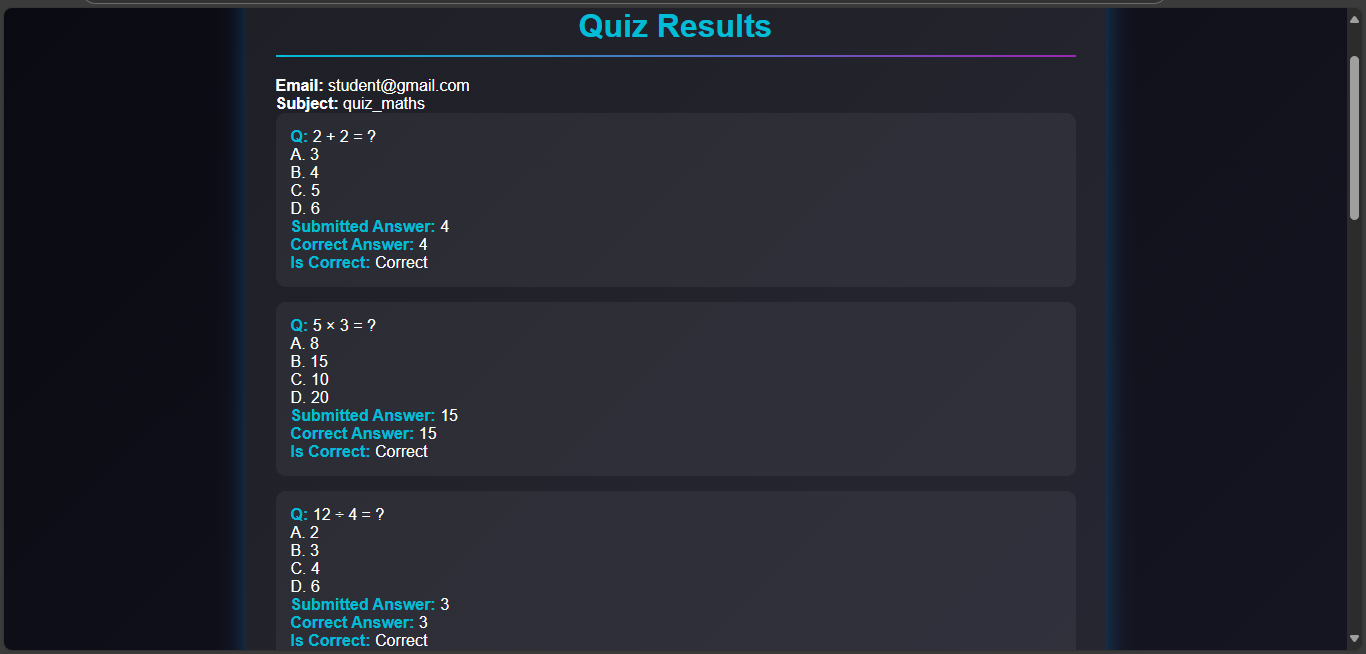
Show Result to Admin
This page displays the detailed quiz result of a selected student. Each question is shown along with its options and the student’s selected answer. The system highlights whether the chosen answer is correct or incorrect. It also compares the answers with the correct ones stored in the database. This detailed view helps both admin and student understand performance better.
Add New Quiz
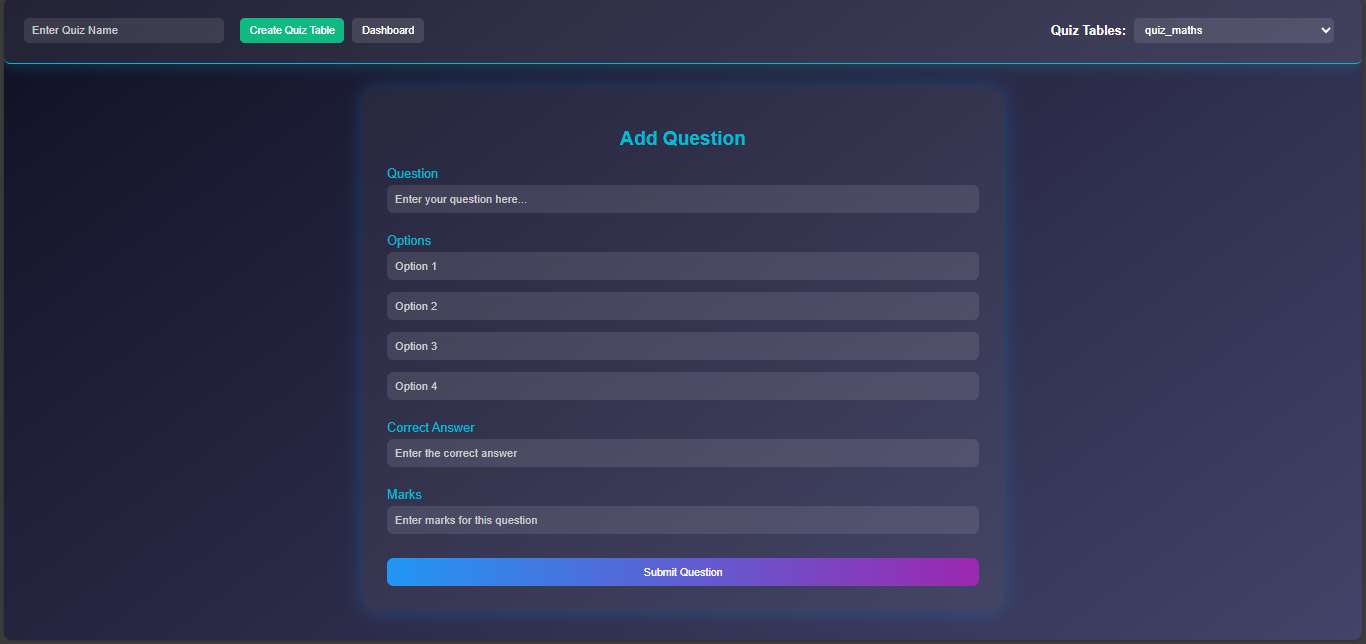
Before creating a quiz, the admin must create a quiz table by entering a subject name. The system automatically generates a new table in MySQL for that subject. Afterward, the admin can add multiple questions, each with four options, a correct answer, and marks. All entries are inserted into the respective quiz table dynamically. This modular design allows adding quizzes for multiple subjects with ease.
Student Page
Student Login
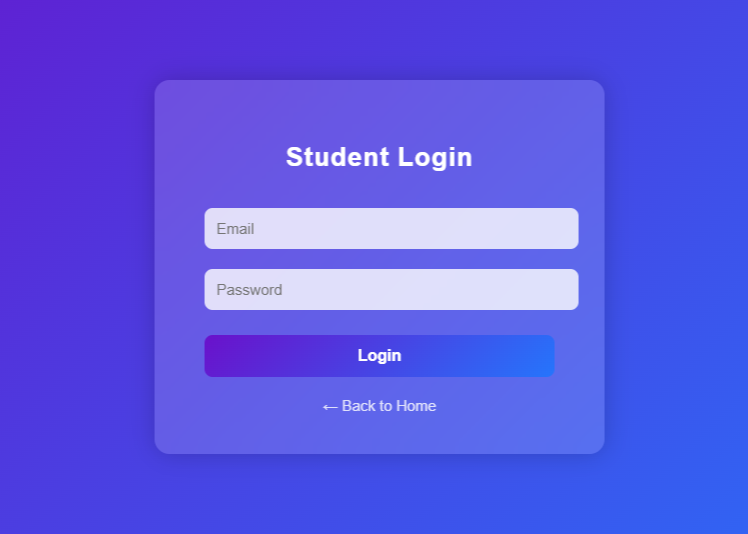
This is the student login page, where students can securely access the system using their registered credentials. The login details are verified with the MySQL database using JSP and Servlet for authentication. If the credentials are valid, the student is redirected to their dashboard. Invalid attempts display appropriate error messages to maintain security. This ensures that only authorized students can access the quiz portal.
Student Dashboard
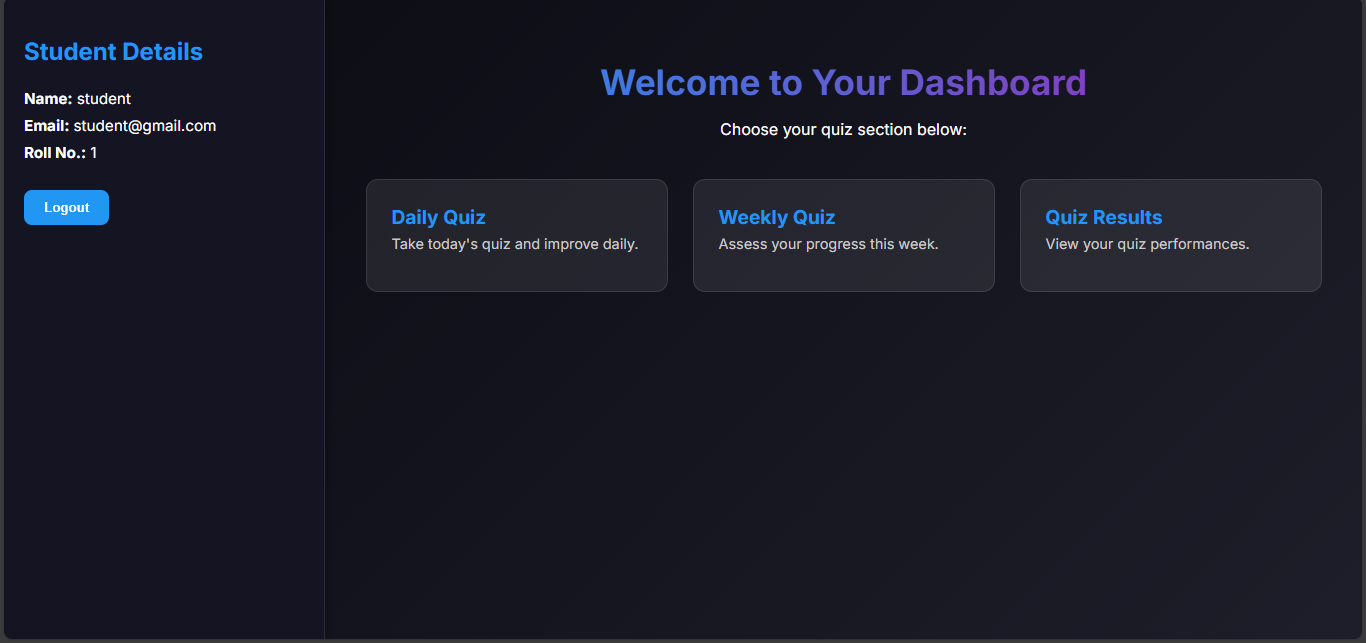
The student dashboard serves as the main control area for students after login. From this page, students can participate in quizzes and view their results. It uses AJAX for smooth interactions without reloading the page. Each button is linked to servlets that handle database communication efficiently. This dashboard gives students easy access to their learning and performance data.
Select Quiz Subject
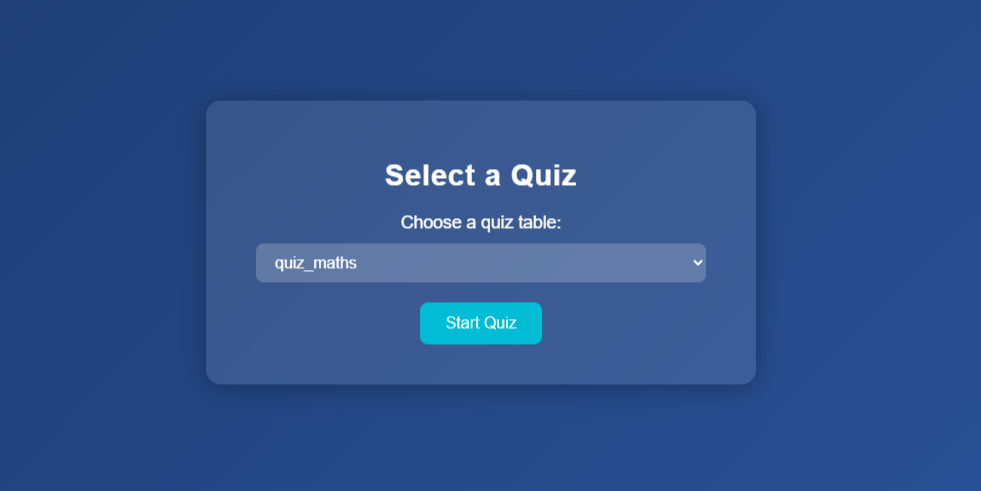
In this section, the student must select a subject before starting the quiz. A dropdown or list of available subjects is fetched dynamically from the database. Once a subject is chosen, the student proceeds to take that specific quiz. The process ensures that the correct question set is loaded for the chosen subject. It provides a simple and interactive interface using JSP and AJAX.
Give Quiz
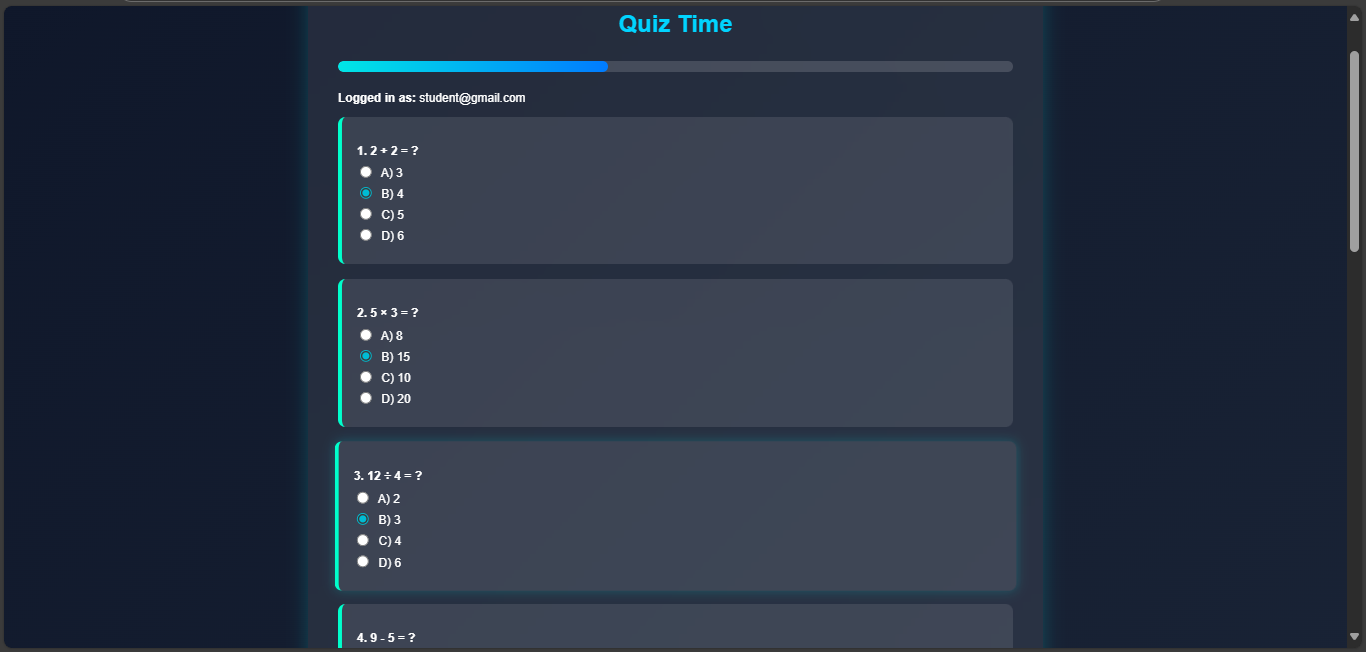
Here, the student will view the quiz questions for the selected subject. Each question is displayed along with four options, allowing one selection. The data is retrieved from the MySQL database and displayed using JSP. Once all answers are selected, they are submitted through a Servlet for evaluation. The use of AJAX ensures a smooth, real-time quiz experience without page reloads.
Score
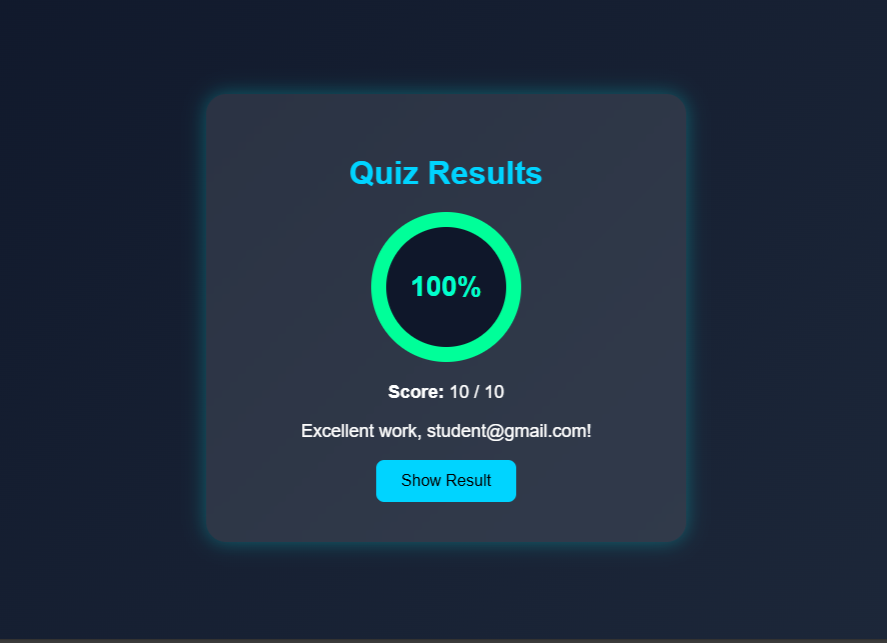
After completing the quiz, students can view their quiz score on this page. The marks are calculated based on correct answers and stored in the database. The score is displayed instantly using AJAX to avoid page refresh. This feature helps students analyze their quiz performance quickly. It provides an interactive and responsive result-viewing experience.
Show Result to Students
In the Show Result section, students can review their quiz performance in detail. Each question is displayed along with the selected answer and the correct answer. The system highlights whether each response was correct or incorrect. All data is dynamically fetched from the MySQL database using Servlets. This detailed comparison helps students learn from their mistakes and improve.