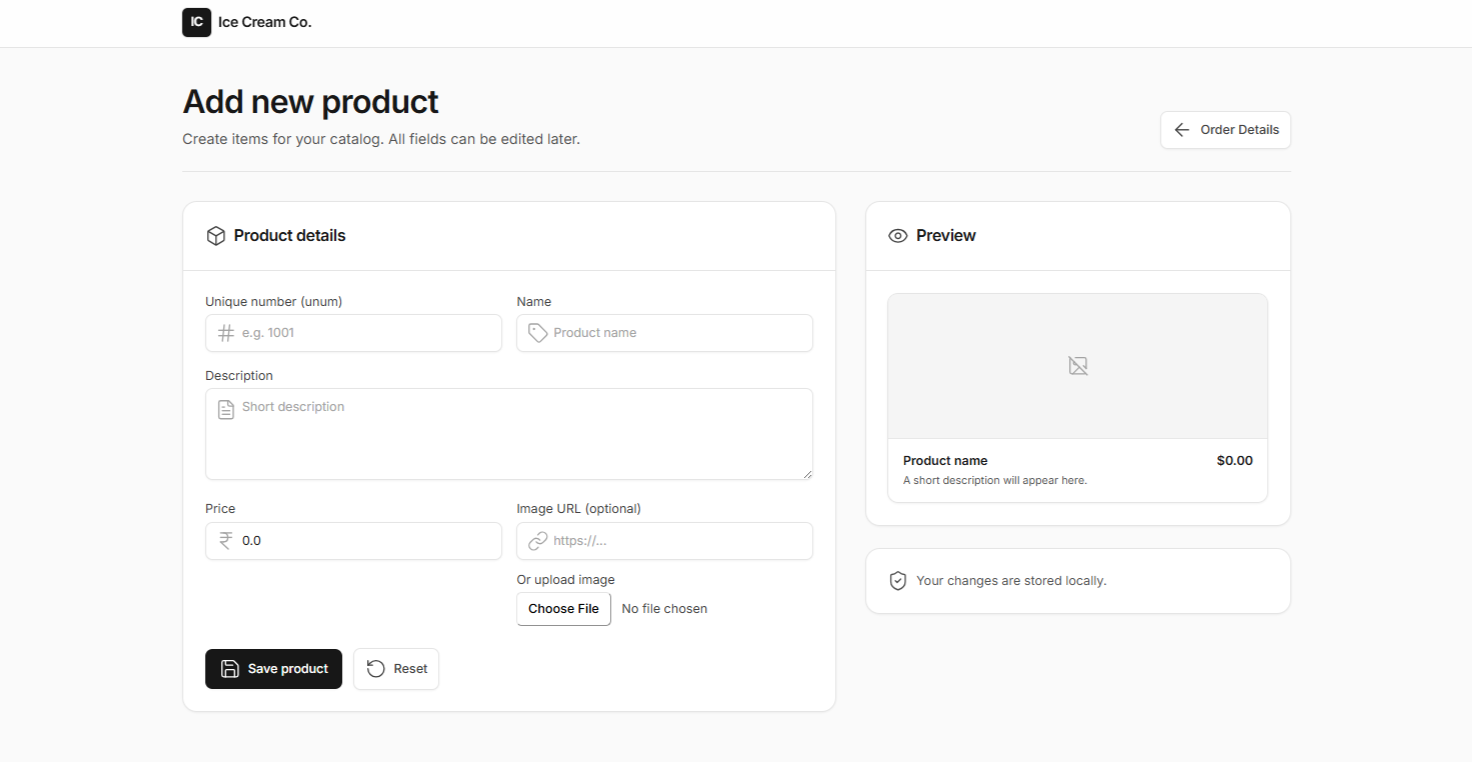
View Items
Users can browse and view all products fetched directly from the database. Each product is displayed with details like name, price, and image. Users have two options — “Buy Now” to purchase instantly or “Add to Cart” for later. The system ensures real-time updates from the database for accuracy. This feature forms the main interface for product exploration and purchase.
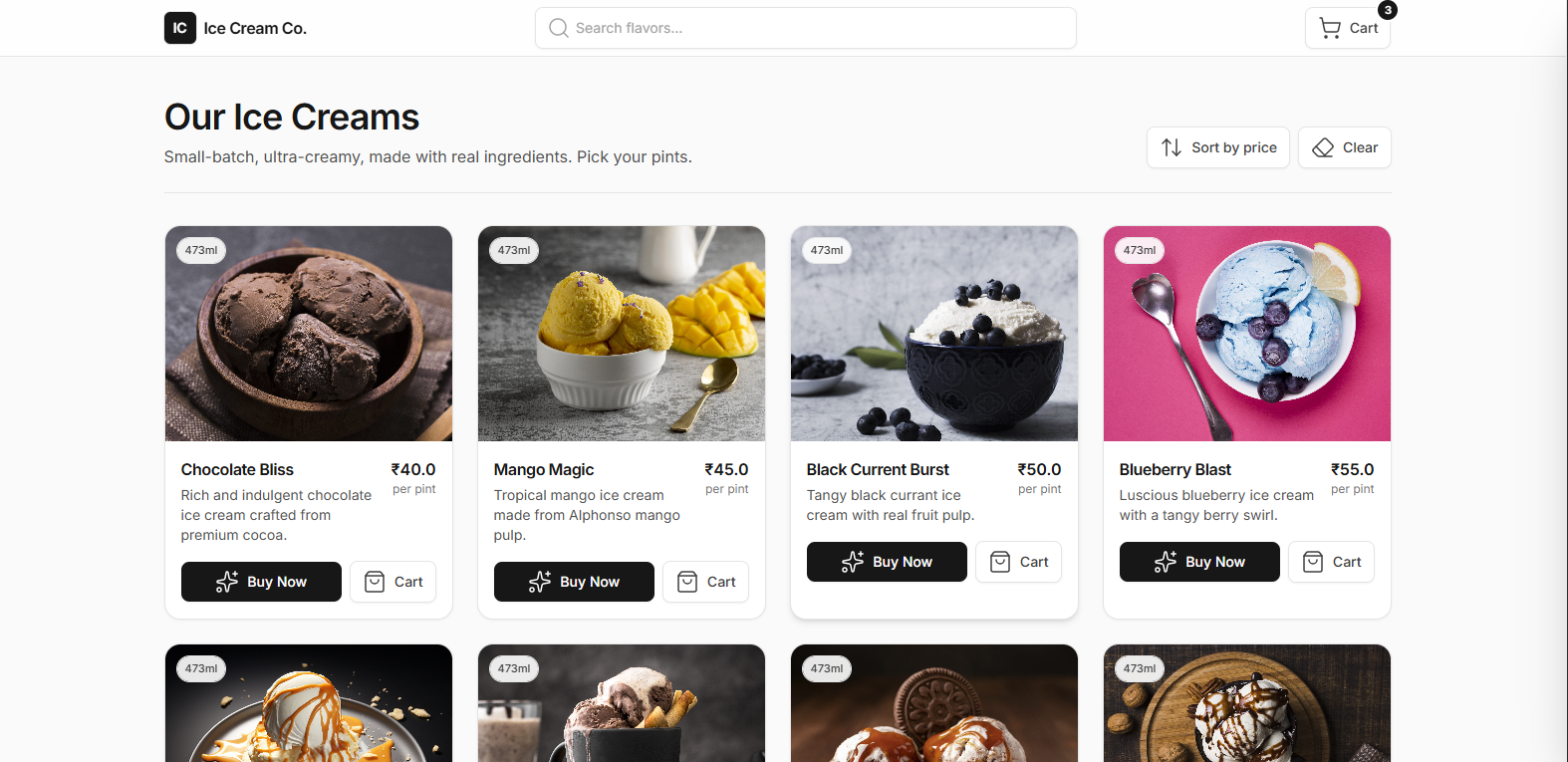
Added to Cart
When a user adds a product to the cart, it is stored locally using localStorage. Users can access their cart items anytime through a drawer interface. The cart allows updating quantities or removing items before checkout. Changes are reflected immediately without reloading the page. This provides a smooth and responsive shopping experience.
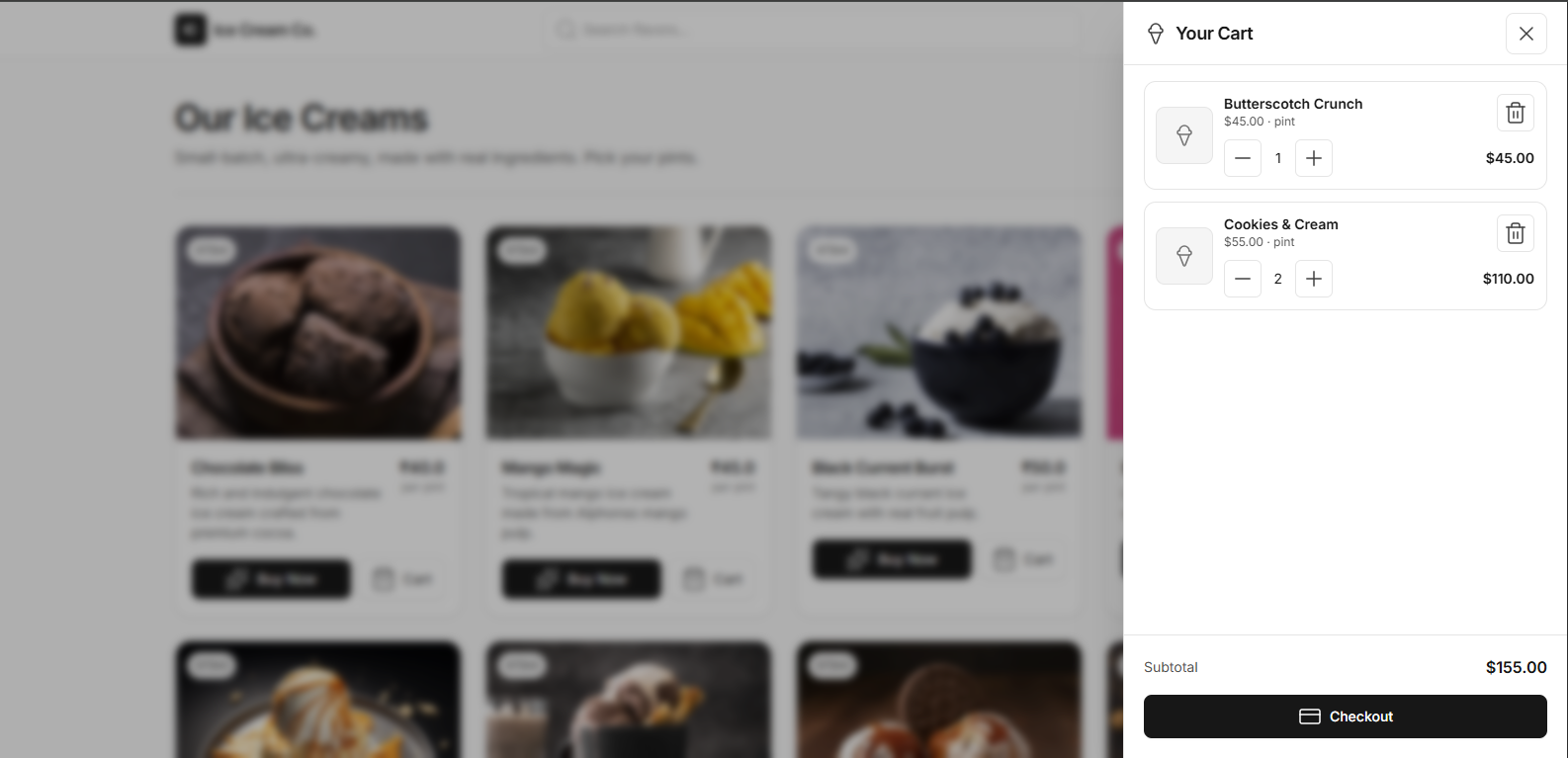
Fill Details/Payment
Before checkout, users must fill in their personal and payment details. The entered information is securely saved into the database. Once logged in, users can view all cart products stored in localStorage. The system automatically calculates and displays the total amount. This step connects user data with the purchase process for order placement.
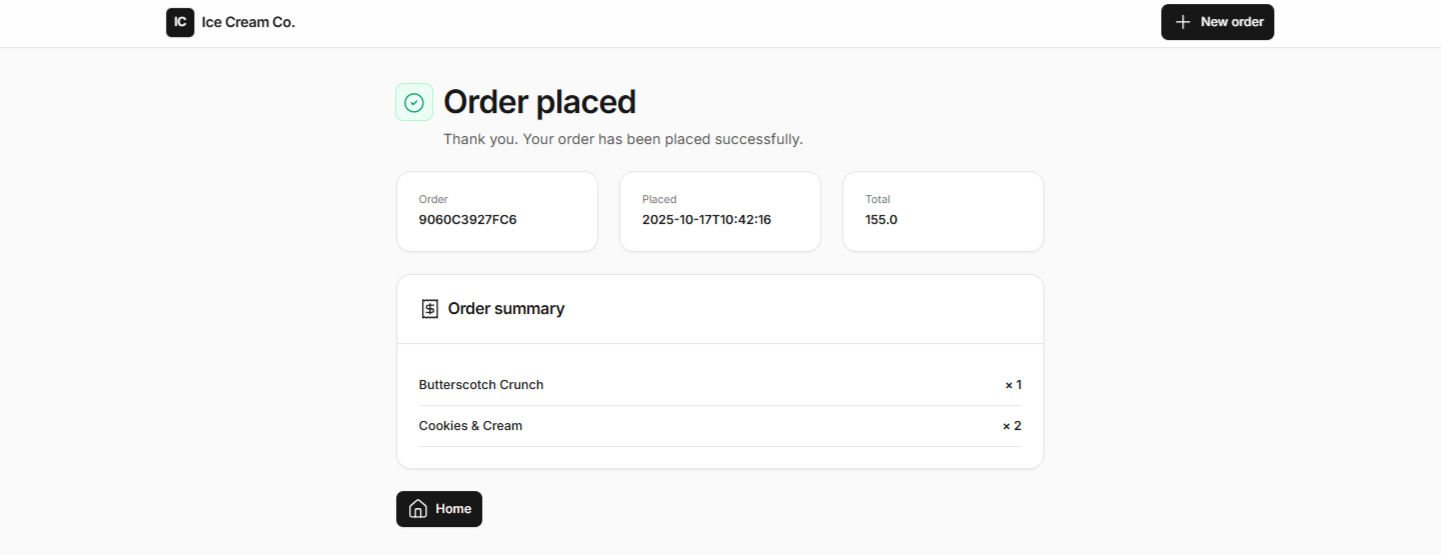
View Users Order Details
After completing the checkout process, users can view their order details. The order summary includes items purchased, quantity, and total cost. This section confirms successful order placement. Users can refer to it for tracking and verification purposes. It ensures transparency and helps maintain order history.
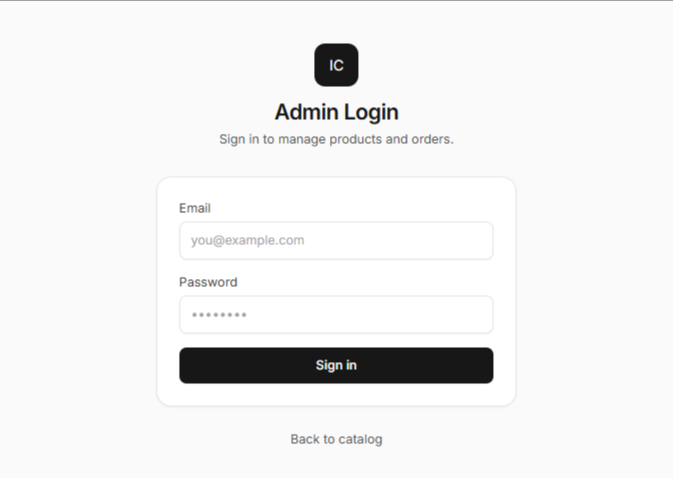
Admin Login
A dedicated login page is provided for the admin. Only authorized admins can access backend functionalities. The system validates credentials stored in the database. Successful login redirects the admin to the management dashboard. This secures admin operations and prevents unauthorized access.
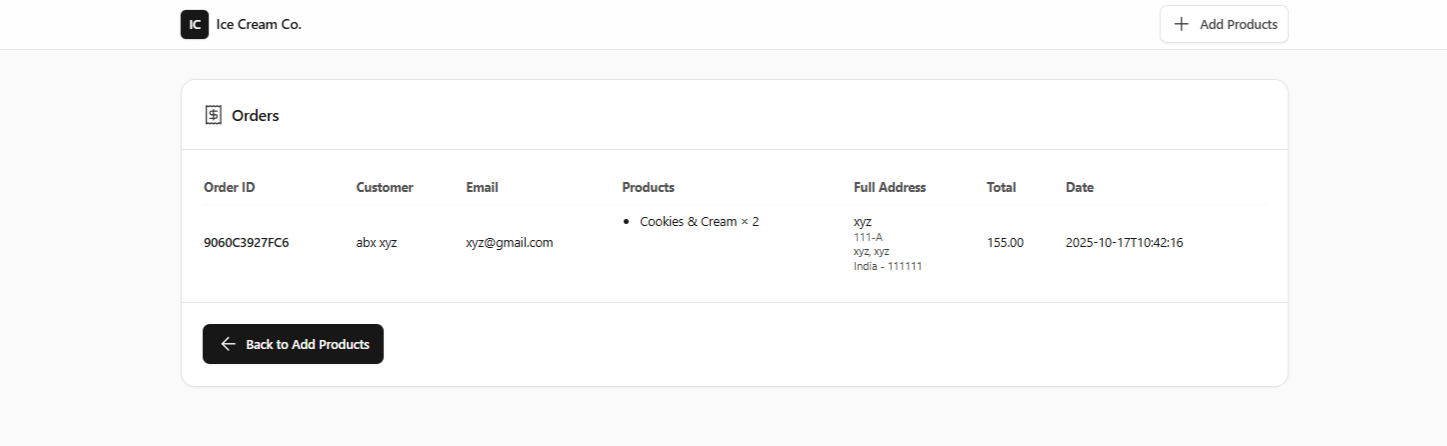
View All Order Details
The admin can view all orders placed by every user from the database. Orders are displayed with details such as user info, products, and status. This helps in tracking purchases and managing deliveries. Admins can update order status or take necessary actions. It provides full control over order processing and monitoring.
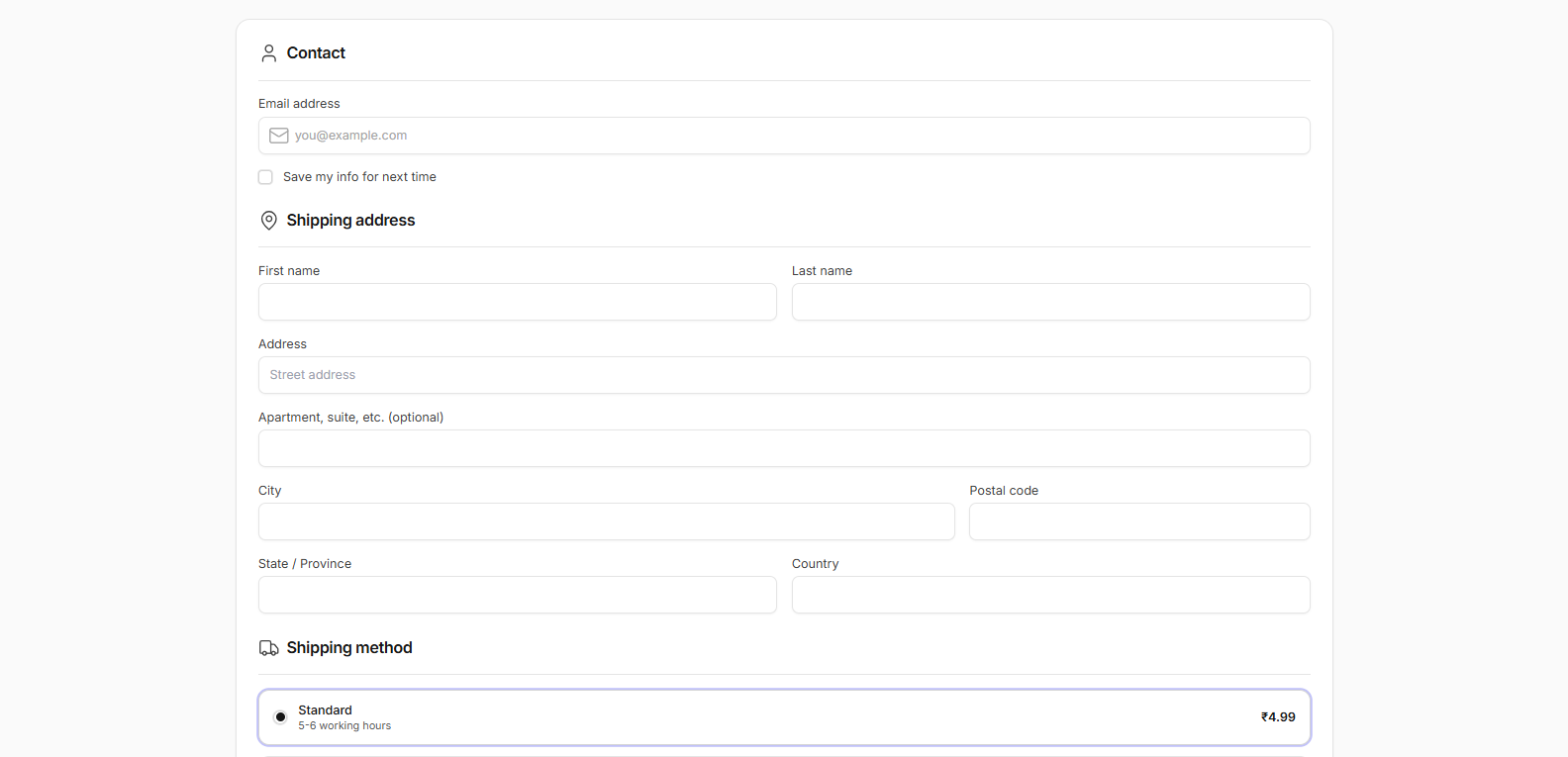
Add New Products
Admins can add new products directly through the dashboard. Each product’s details like name, description, price, and image are entered. On submission, the product data is stored in the database. The updated list is reflected instantly for users to view. This feature enables easy management of product inventory.